ISRAEL · EUROTEC GROUPBuild your fitness spaceעברית
Equipment selection
How to choose MATRIX cardio equipment
Machine type, series and console are three separate decisions. Here is how to combine them into a clear specification for your space.
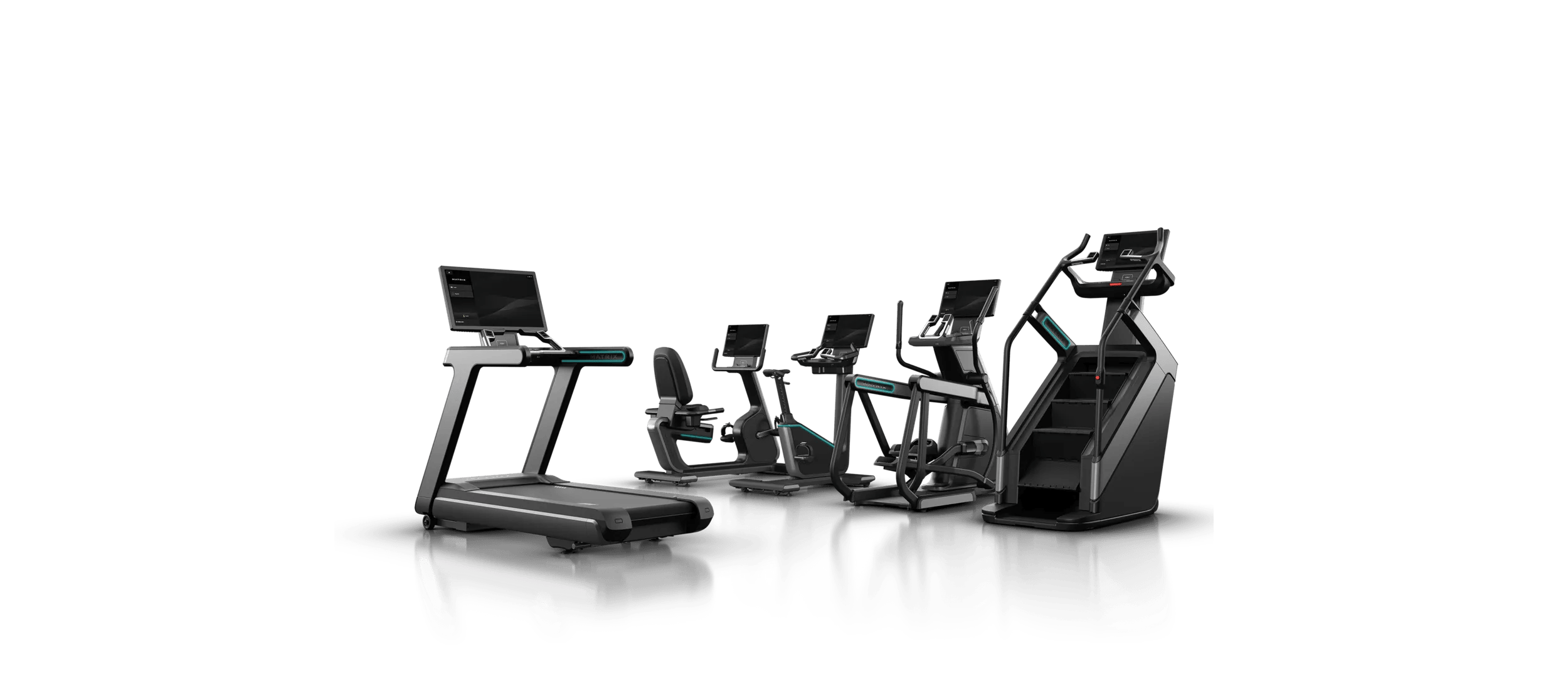
A cardio zone does not have to be a row of identical treadmills. Treadmills, ellipticals, bikes and stair climbers can offer variety, but each addition should suit users and available space. Series, console and infrastructure choices follow, affecting both the workout experience and day-to-day operation.
Choose the machine’s role in the space first, then its model and console.
Define useful variety
A cardio specification should describe the movement options available at the same time. Consider the emphasis on running, ease of entry, cycling or stair training. There is no universal equipment ratio. An operating club can review demand by time of day; a new project should document its assumptions and test them against intended users.
Separate the series from the console
The site includes families such as ONYX, Performance, Endurance and Lifestyle, according to the catalog models. Series names aid navigation, but comparisons belong at model level: dimensions, systems, configuration options and installation requirements. A larger screen does not automatically mean a different mechanical platform, and a series name does not confirm a particular feature.
Choose an interface that suits operation
A simple console may suit a setting that prioritizes a quick start. A touchscreen can provide a richer experience, depending on the model and available services. Check languages, network connections, updates, sign-in and associated costs. Confirm Hebrew availability and features in Israel for the exact console in the quotation.
Read dimensions in the context of the room
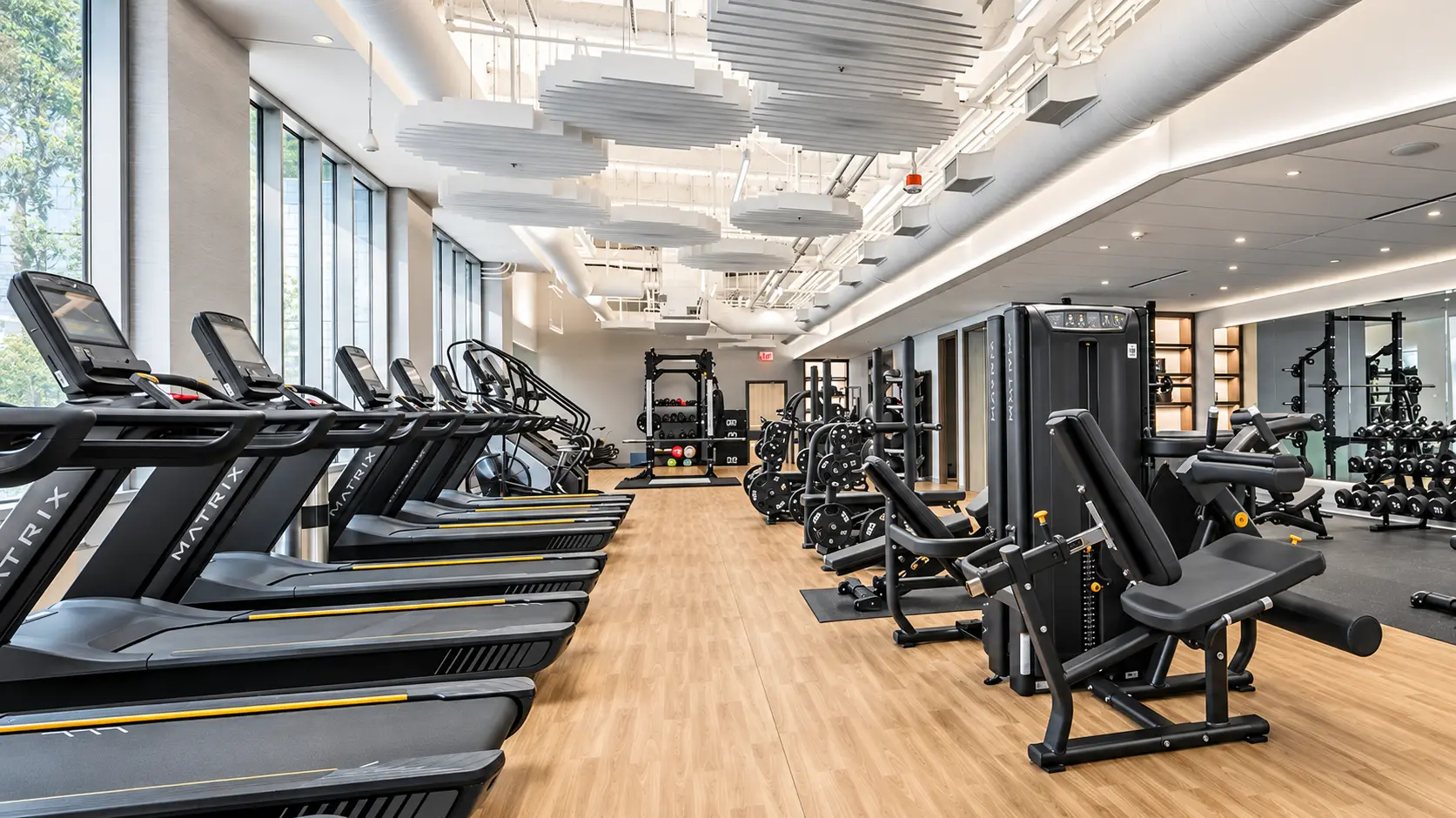
Alongside length and width, consider step-up height, the user’s height during exercise, operating clearances and cleaning access. A window view can be pleasant but requires attention to glare and solar heat. Coordinate power and network points with the exact machine position to keep cables out of circulation areas. Follow model documentation and professional electrical coordination.
Create an order line that can be verified
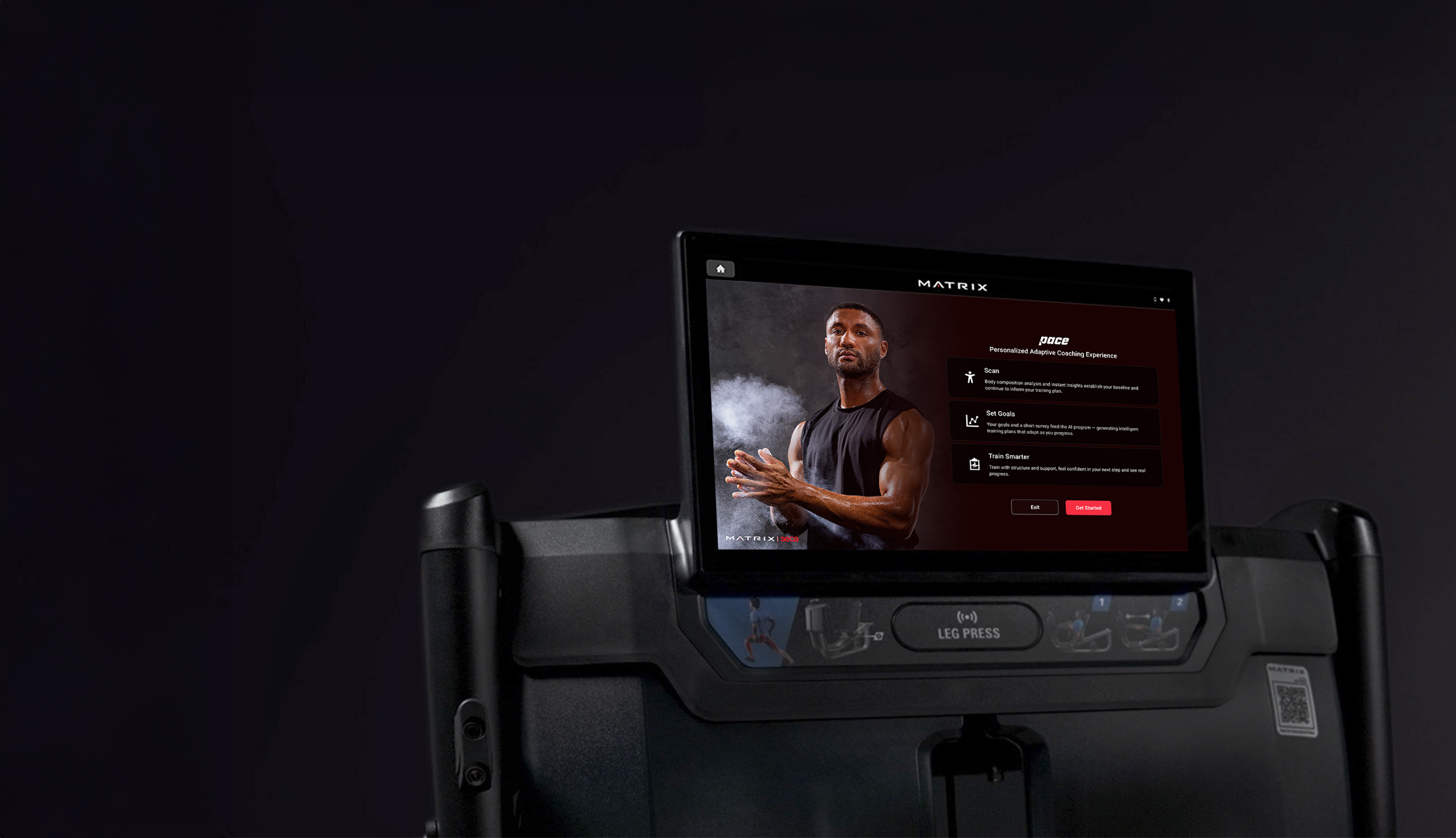
Record the base model, console, finish, accessories and quantity separately. If PACE is required, explicitly request compatibility confirmation for the machine and console. Link each line to its product dossier and relevant documentation, and verify that the image, specifications and SKU describe the same configuration.
| Stage | Useful outcome |
|---|---|
| Mix | Machine types with justified quantities |
| Model | Product dossier and placement requirements |
| Console | Confirmed interface, languages and services |
| Installation | An agreed infrastructure and access plan |
THE NEXT STEP
Bring this to your next meeting
- Training options and intended cardio users.
- Separate model and console selections.
- Height, glare, power and network checks.
- Feature and language confirmation for the ordered configuration.
Questions to resolve during planning
Does a touchscreen guarantee PACE compatibility?
No. Machine, console, software and service activation all need to be checked. The PACE guide on this site describes the components to confirm.